DiscMeet alternative
DiscMeet alternative for D&D sessions on Discord
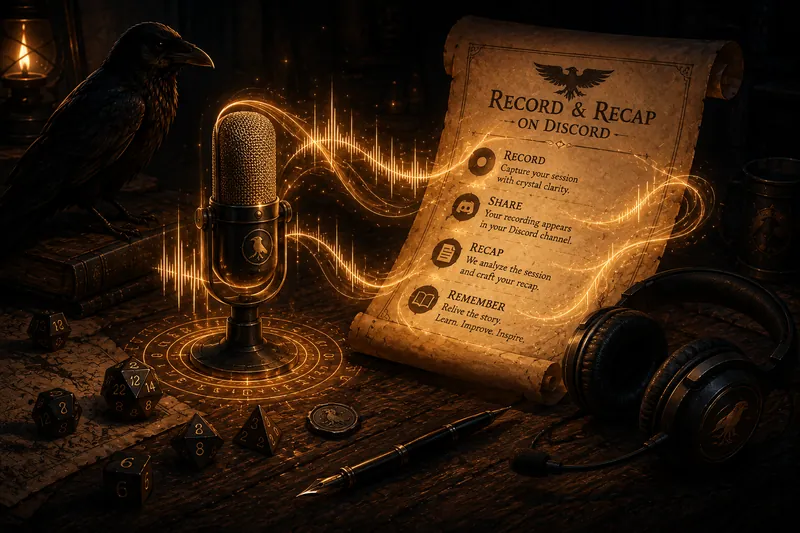
DiscMeet and Recap Raven both record D&D sessions in Discord and turn them into written material. Choose Recap Raven if you want audio deleted after transcription and tools beyond recaps, including private DM feedback and session analytics.
Start with what your table will use each week. Both tools provide written session records; compare the player recap, private GM feedback, campaign questions and recording-retention options that matter to your group.
The short answer
Choose DiscMeet when you want retained MP3 audio or a recording tool for both games and ordinary meetings.
Choose Recap Raven for a player-safe recap, native cited answers in Discord and private GM analytics that help you spot pacing and participation patterns your players may not mention. Spotlight balance and scene energy give you practical feedback for your next session, and audio is deleted after transcription.
What both tools cover
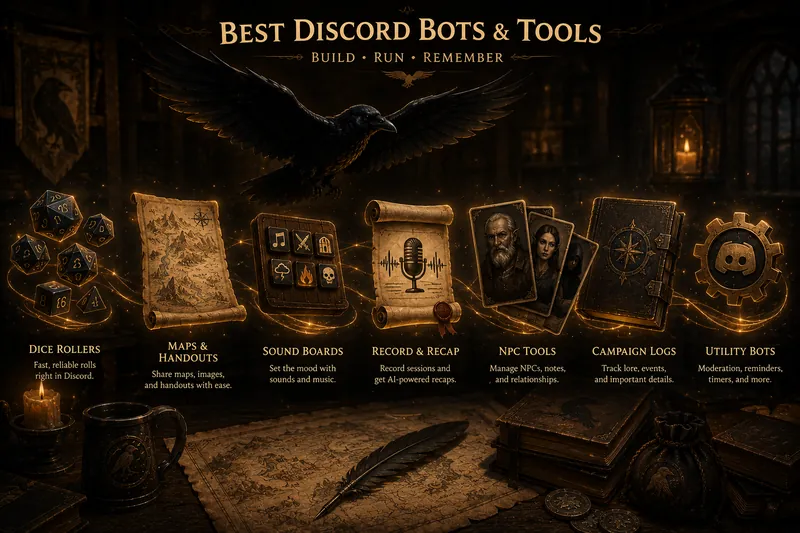
Both tools record Discord voice, keep speakers distinct, map Discord users to characters, generate notes and recaps, organise campaign history, and use campaign vocabulary to improve fantasy names. Both can separate player-facing and GM-only material, work beyond D&D, publish recording allowances, and provide MCP access on qualifying plans.
Recap Raven's spelling dictionary also supports aliases and GM-approved suggestions harvested from earlier transcripts. These shared capabilities matter, but they are not a reason to choose one tool over the other.
Where DiscMeet fits better
DiscMeet fits better when you want the service to retain your audio or handle non-game meetings alongside your campaign. It can generate a downloadable full-session MP3 when that setting is enabled on an eligible plan.
Before choosing retained audio, talk with your table about what everyone is comfortable keeping and who can access it. Reading a character’s dialogue can feel different from replaying someone’s voice, jokes and improvised accents. Agree on whether to keep recordings and when to delete them.
Where Recap Raven fits better
Recap Raven is built around the split between what players can read and what stays with the GM, as well as giving GMs feedback and practical ways to improve. It generates the player recap separately while GM-only fields stay outside the player recap generator. See how player-safe recaps work if hidden motives and future plans matter in your campaign.
DiscMeet’s published RPG workflow centres on a written recap and speaker-labelled transcript in a Discord thread. Recap Raven also gives players a structured Discord recap with an inline image and a full shareable web page, while the separate GM notes and private report stay with the GM.
Spotlight analytics in the private GM feedback show who had time in the spotlight and how scene energy changed across the session. Persistent campaign memory can be asked directly in Discord by the GM and players. When the transcript supports an answer, the bot returns a cited answer with the transcript quote in seconds. When the evidence is missing, it says so.
Recap Raven deletes audio after transcription. If you want to keep the original files, record with Craig and send Recap Raven the link instead.
Compare the workflow you will use every week
For a weekly D&D campaign, compare the result you will use rather than counting features alone. Check how quickly each tool returns its recap, whether the recap captures what the table needs for next week, what stays private to the GM, and whether a later answer shows you the transcript evidence behind it.
Allowances use different units, so compare your real schedule against the current plan pages. Recap Raven Free Tier includes 5 Standard sessions in your first 30 days, then 1 every 30 days, each up to 3 hours long, with a title, short summary, scenes and an MVP Standout Moment. DiscMeet publishes recording limits in hours. Current Recap Raven pricing is available here.
How this comparison was checked
Recap Raven publishes this page and competes with DiscMeet. DiscMeet facts were checked against its public D&D, RPG, character, session-history and MCP documentation on the article date. Recap Raven facts were checked against the current shipped product and public pages.
The wider alternatives guide explains how Craig, Crit Scribbler, NotesBot, The DM's ARK and SessionKeeper fit different tables.
DiscMeet and its marks belong to their respective owners. Recap Raven is independent of and is not endorsed by DiscMeet.
Which should you choose?
Both record Discord sessions and organise campaign history. The main choice is whether you want retained recordings and meeting tools, or Recap Raven’s player recaps and private GM review.
Choose Recap Raven if...
- You want player-safe recaps in Discord and a shareable campaign page, with GM-only material kept separate.
- You want cited campaign answers directly in Discord on Memory sessions.
- You want private feedback on spotlight balance, participation and scene energy.
- You want ongoing free recaps and audio deleted after transcription.
Choose DiscMeet if...
- You want a downloadable full-session MP3 on a plan that includes recording retention.
- You want the same recording service for campaigns and ordinary meetings.
- You prefer its speaker-labelled transcript and recap workflow in Discord threads.
Product information checked
Prices and published features change. These pages were checked on 11 October 2026.
- DiscMeet public D&D bot page
- DiscMeet public RPG sessions documentation
- DiscMeet public RPG characters documentation
- DiscMeet public MCP documentation
- DiscMeet public getting-started documentation
- Recap Raven plans and pricing
- Recap Raven player-safe recaps
Frequently asked questions
What is the main difference between DiscMeet and Recap Raven?
Both products record Discord sessions, organise campaign history, and can separate player-facing and GM-only material. DiscMeet can retain a downloadable full-session MP3 and supports ordinary meetings. Recap Raven offers a separately generated player-safe recap, native cited campaign answers in Discord, spotlight and scene-energy feedback, and audio deletion after transcription.
Does DiscMeet support D&D characters?
Yes. DiscMeet documents player characters, campaign entities and assigning a Discord user to a character for transcript attribution.
Can I keep the original audio with Recap Raven?
Recap Raven deletes audio after transcription. You can keep the original files by recording with Craig, then importing the Craig link on any plan for transcription and recap.
Does Recap Raven have a free option?
Yes. Free Tier includes 5 Standard sessions in your first 30 days, then 1 every 30 days: a title, short summary, scenes and an MVP Standout Moment. It uses standard transcription quality and basic AI, with lower-priority processing. Craig imports, manual recap editing, transcript access and words by speaker are included. PDF exports, advanced analytics and campaign memory require a paid plan.
Get a permanent free plan: 5 Standard sessions in your first 30 days, then 1 every 30 days with Recap Raven. Start with a Premium + Memory session to try richer recaps, private session analytics and cited campaign answers. Unlock a Premium + Memory bonus, then choose the plan that fits your table.
Free Tier includes 5 Standard sessions in your first 30 days, then 1 every 30 days, each up to 3 hours long, with best-effort multilingual support. A title, short summary and scenes, with basic AI and standard transcription quality. Premium adds richer recaps, PDF exports and GM insights; Memory plans add campaign Ask.