Guides
Practical, system-agnostic advice for running a tabletop campaign on Discord.
Session notes
Practical ways to capture what happens at your D&D table, from a player scribe and shorthand templates to recording and transcribing, plus a checklist of what to write down.
Read guide5 min
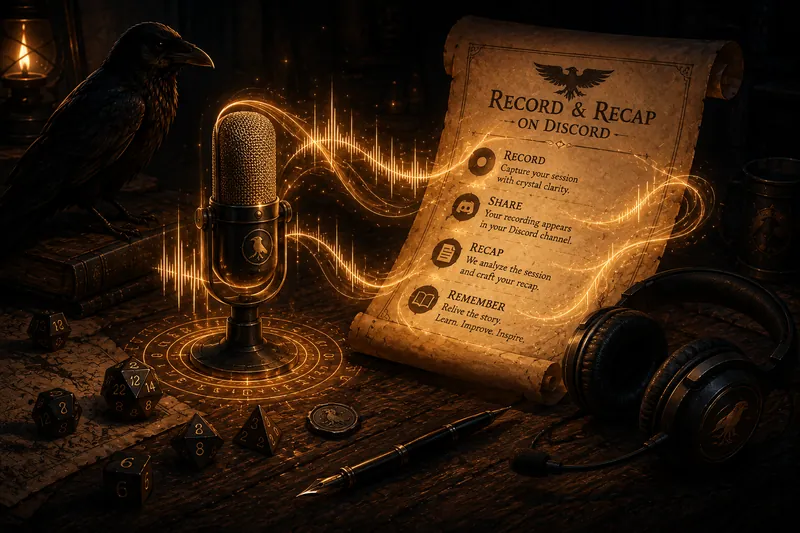
Recording
How to record a tabletop session on Discord with consent, using Craig or a purpose-built bot, and turn the recording into a player-safe recap to share with your table.
Read guide7 min
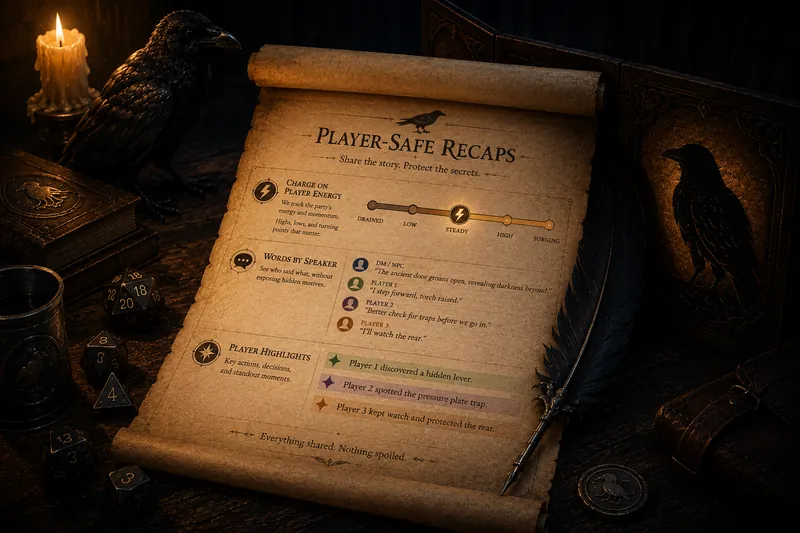
Player-safe recaps
What player-safe means, a checklist of what to keep out of a session recap, how to write one by hand, and why GM-only notes stay separate.
Campaign memory
Keep continuity across a long campaign without a second job: the manual methods GMs use, what they cost to maintain, and how a searchable, cited memory helps.
Read guide6 min
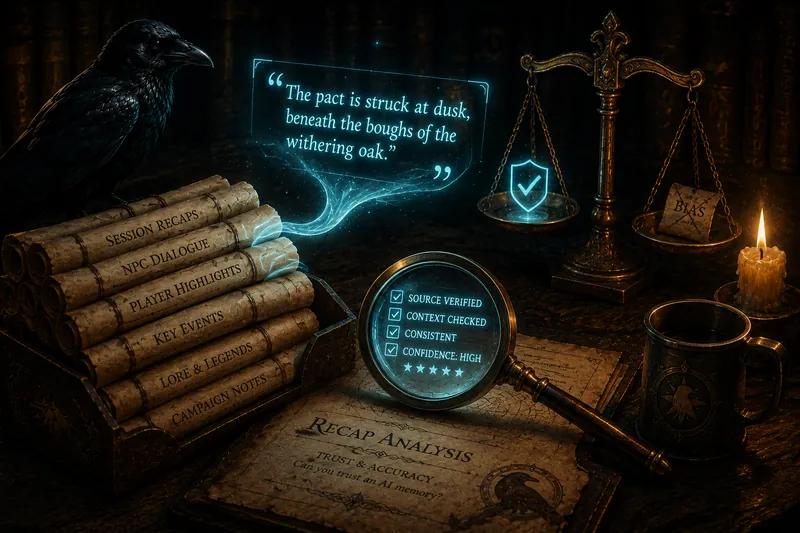
Trust and accuracy
What makes an AI campaign memory trustworthy: cited sources you can check, honest answers that admit uncertainty, and real retrieval instead of a transcript dump.
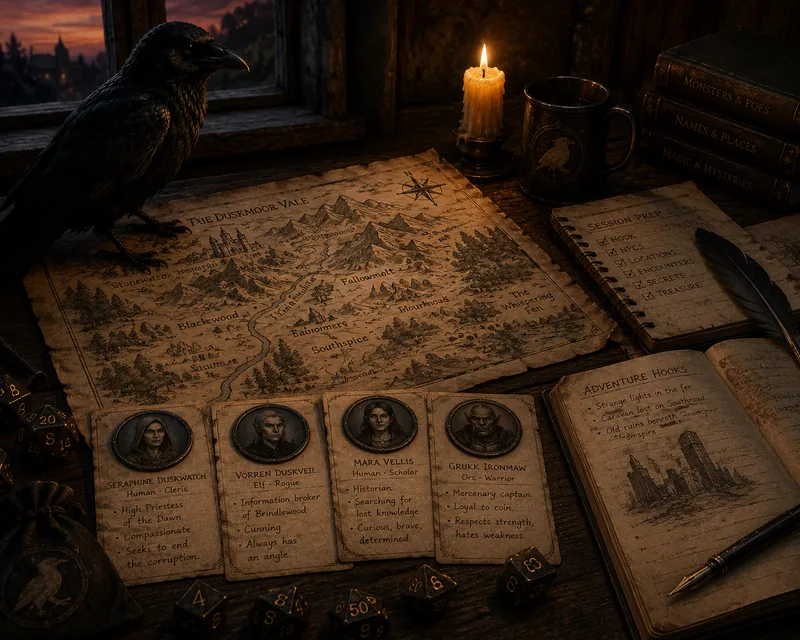
Session prep
A fast, focused way to prep: give NPCs a want, make one-minute handouts, read where the party will go next, and check what is already canon before you invent.
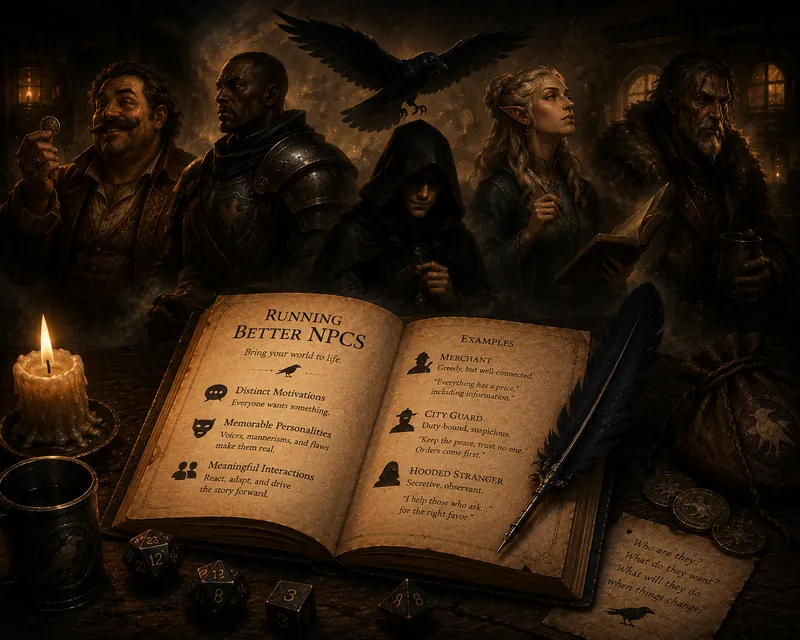
Running the game
Give every NPC one want and one flaw, use fast voice shortcuts, decide what they reveal, and keep recurring NPCs consistent across a long campaign.
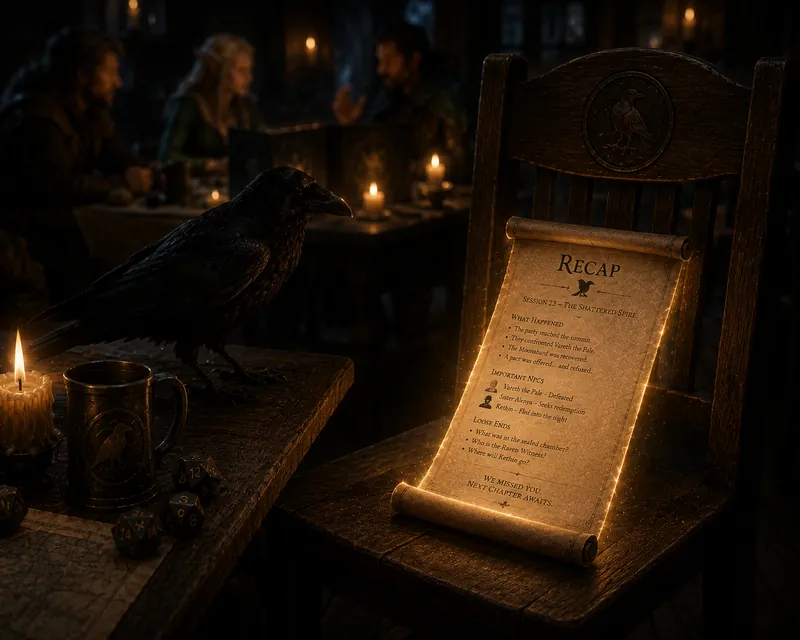
Catch-up
Fast ways to get a returning player current without burning table time: what a catch-up should include, handling their character, and letting them self-serve.
Tools
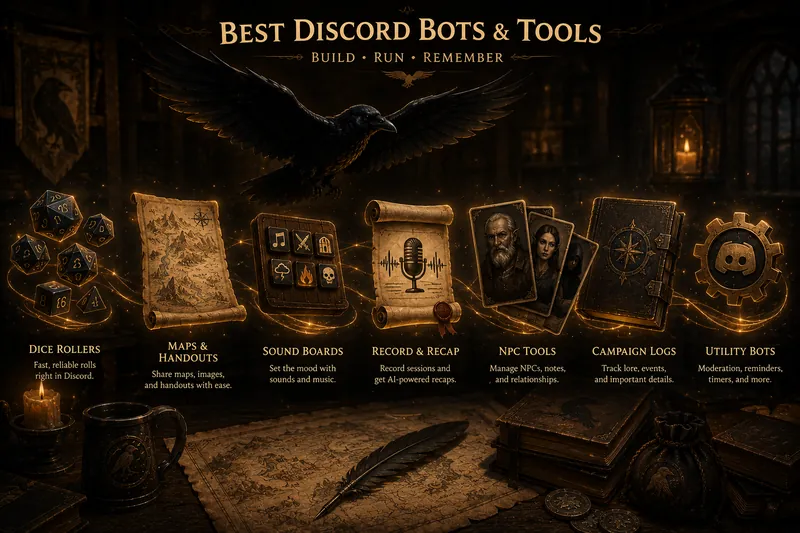
Which tabletop jobs actually need a Discord bot (voice recording and recaps) and which belong in a VTT like Roll20 or Foundry, on D&D Beyond, or in Kenku FM.
Read guide8 min