Recording
How to record and recap a D&D session on Discord
Most tabletop sessions run on Discord now, and a lot happens in three hours of voice. Names get dropped, a deal gets struck with some shady merchant, the party swears revenge on a noble, and by next week half the table remembers it differently. Recording the session gives you a record you can check, a recap you can hand to players, and a tidy end to the "wait, what did we actually decide?" argument.
This guide covers why GMs record, how to get consent the right way, the two common ways to capture Discord audio (Craig and a purpose-built bot), and a simple path from a raw recording to a written recap you can share with your table.
Get consent before you hit record
Recording people’s voices is a consent matter first and a technical one second. Before anything else, tell everyone at the table that the session is being recorded, and say it out loud at the start of the game so it is on the record. A quick "heads up, I am recording tonight for recap notes, everyone okay with that?" is enough, and it gives anyone a chance to say no.
Be clear about what you will do with the audio: who hears it, where the recap goes, and that you are not posting raw voice clips anywhere. Treat this as a standing agreement you re-confirm when new players join, not a one-time checkbox.
It also helps to say what happens to the recording itself. With Recap Raven the audio is deleted as soon as it has been transcribed, and only the text transcript and the recap are kept, so there is no library of voice clips sitting around to worry about.
- Say it out loud at session start, every session.
- Tell players where the recap will be shared and who can see it.
- Re-ask whenever a new player joins the table.
Heads up before we start: I’m recording tonight’s session so we
get a written recap afterwards.

What that means:
- Voice in this channel is recorded while the session runs.
- The recording is transcribed to text, then the audio is deleted.
  Only the transcript and the recap are kept.
- I share the recap in our Discord after the game. No raw audio
  goes anywhere.

If any of that is a problem, say so now or message me privately
and we’ll work something out. All good? Let’s play.
Two common ways to record on Discord
Discord does not record voice channels on its own, so you bring a bot into the channel to do it. The two routes most GMs land on are Craig and a purpose-built recap bot.
Craig is a popular multitrack recorder. You invite it to your server, run a command to start recording, and it gives you a separate audio track per speaker. Per-speaker tracks matter a lot later, because clean separation makes transcription far more accurate than one muddy mixed file. When the session ends, Craig hands you a download link.
A purpose-built bot like Recap Raven covers the same recording step with its own bot, and can also process a Craig recording link on every plan if you already record that way. The difference shows up afterward: instead of leaving you with audio files, the Recap Raven Discord bot transcribes the session per speaker and turns it into a written recap.
- Craig: multitrack recorder, one track per speaker, gives you a download link.
- Recap Raven: records with its own bot (every plan also imports Craig links), then transcribes and writes the recap for you.
From recording to a written recap, step by step
The manual route works and costs nothing but your time. Record with Craig, download the multitrack files, and run them through a transcription tool. Then read the transcript and write the recap yourself, which is the honest, slow part: a three-hour session is a lot of text to summarise, and you have to decide what is safe for players to read versus what stays in your notes.
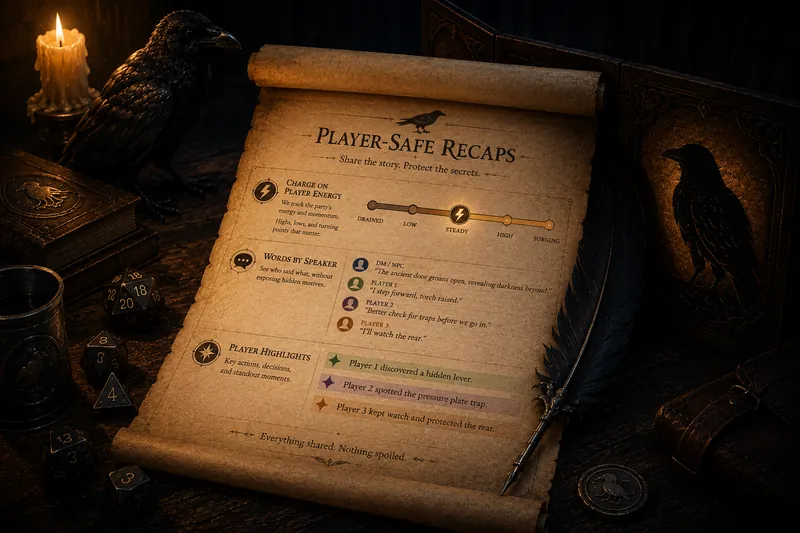
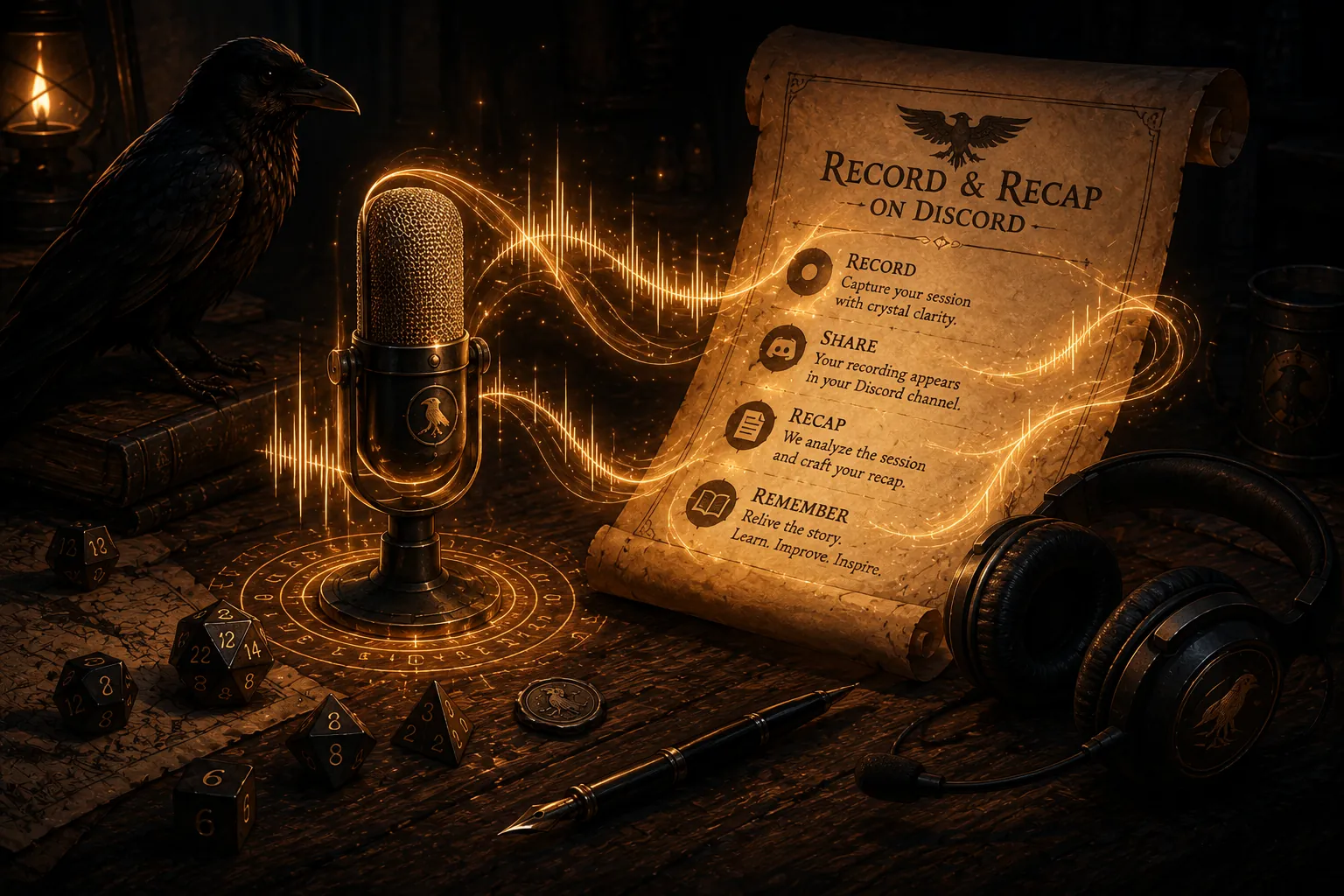
An automated route collapses all of that into a few steps. You invite the Recap Raven Discord bot, it records and transcribes the session per speaker, and it writes the player-safe recap plus your GM-only notes for you. The player recap is generated separately, without GM-only fields, so the twist you are saving for session twelve stays outside the players’ summary. You get back the hours you would have spent summarising, and the session becomes part of a searchable campaign memory you can ask later, with every answer cited from the transcript so you can trust it.
- Start recording at session start (bot command or invite).
- Stop at the end; grab the link or let the bot pick up the audio.
- Transcribe per speaker so dialogue is attributed correctly.
- Generate and send the recap, then correct anything afterward.
Try it on your next game: start with a Premium + Memory session and unlock a Premium + Memory bonus, then keep playing on the permanent Free Tier: 5 Standard sessions in your first 30 days, then 1 every 30 days. No card required.
Invite the Discord botGet the audio right, or the recap suffers
Transcription is only as good as the audio you feed it. Ask players to use a headset rather than laptop speakers, since open speakers leak everyone else’s voice back into the mic and smear the tracks together. Push-to-talk keeps background noise (typing, dice, the dog) out of the recording, though open mic is fine in a quiet room with a decent headset.
The transcriber matters as much as the microphone. We use high-quality transcription tools rather than the cheapest option, because quality at the source is what keeps names and places intact. When we tested budget transcribers the accuracy was not there; in one session the name of a single recurring NPC came back spelled eighteen different ways. Recap Raven runs a normalisation pass that reconciles misheard names afterward, and it is still always better to start from a clean transcript, so we lead with quality.
Long sessions are normal. Recap Raven supports up to three hours on Free, six on Premium and eight on Premium + Memory, with up to eight speakers, which covers most tables. If you run marathon games beyond that, split the recording at a natural break so each chunk stays within limits.
- Headsets over open speakers; it is the single biggest quality win.
- Push-to-talk for noisy rooms, open mic for quiet ones.
- Free up to three hours, Premium six, Premium + Memory eight; up to eight speakers; split marathons at a break.
Share the recap with your table
Once the recap is ready, it goes back to the table through Discord. Recap Raven posts the separately generated player recap to your server automatically after the game, while GM-only fields stay outside its generator. If anything needs correcting, the GM can update the share page afterward in the web portal.
Beyond the recap, the transcript becomes searchable campaign memory you can ask. Players can use /ask and /askprivate to settle "who did we promise the relic to?" and get a spoiler-safe answer quoted from the transcript with a citation. It is a cited assistant that is usually right rather than an oracle, so check the quote when a ruling hangs on it.
Frequently asked questions
Do I need everyone's permission to record my D&D game?
Yes. Get everyone’s agreement before you record and say out loud at the start that you are recording, including what happens to the audio. Recap Raven makes that easy to promise honestly: the audio is deleted as soon as it is transcribed, only the text is kept, and you control where the recap goes. Re-confirm whenever a new player joins.
Can I record a Discord session without paying for anything?
Yes. Craig is a free multitrack recorder, and you can transcribe and write the recap yourself from there, though summarising a three-hour transcript by hand is real work. Recap Raven Free Tier includes 5 Standard sessions in your first 30 days, then 1 every 30 days: a title, short summary, scenes and an MVP Standout Moment. Free Tier uses standard transcription quality and basic AI, with manual recap editing so you can correct names and details, with transcript access included.
Will the recap accidentally spoil my players?
Recap Raven generates the player recap separately from GM-only notes and keeps GM-only fields outside the player recap generator. Player questions through /ask and /askprivate are also spoiler-safe and cited. AI can still make mistakes, so the GM can correct the recap’s share page afterward in the web portal.
How long a session can it handle?
Recap Raven supports up to three hours on Free, six on Premium and eight on Premium + Memory, with up to eight speakers, which covers most tables. For longer marathons, split the recording at a natural break so each part stays within the limit. Per-speaker tracks keep dialogue attributed to the right player.
If writing recaps by hand is eating your week, Recap Raven is one option that records through its bot, transcribes per speaker, and shares a player-safe recap with your table on Discord.
Free Tier includes 5 Standard sessions in your first 30 days, then 1 every 30 days, each up to 3 hours long, with best-effort multilingual support. A title, short summary and scenes, with basic AI models and standard transcription quality. Premium adds richer recaps, PDF exports and GM insights; Memory plans add campaign Ask.