Session notes
How to take D&D session notes (without writing during the game)
Good session notes are what keep a campaign coherent. Three weeks later, when a player asks why the merchant in Greyford owed them a favour, your notes are the difference between a confident answer and a shrug that quietly breaks the table's trust in the world.
The trouble is that writing while you run pulls you out of the moment. You miss a reaction, lose the thread of a scene, or stop the action to scribble. This guide covers practical ways to capture what happened, ranked from free and manual to fully hands-free, plus a checklist of what actually matters and a quick routine for making notes usable next time.
Why notes matter and why they're hard
Continuity is the job. Players remember the NPC you forgot, the promise you made offhand, and the door you said was locked. Notes are how you stay consistent across months of play so the world feels real instead of improvised on the spot.
The core problem is attention. Whether you are running or playing, taking notes competes with being present. Every method below is really a way to spend less attention on writing and more on the game, so pick the one that fits how your table plays.
Methods, from free to automated
There is no single right answer here. Most tables land on a mix, and the best method is the one you will actually keep doing week after week.
- Designated player scribe (free): ask one player to keep the running log. It spreads the load and often captures things from the players’ point of view that a GM misses. Rotate the role so it does not become a chore, and accept that detail varies with who is holding the pen.
- Fast shorthand template (free): keep a one-page sheet with fixed headings (NPCs, decisions, threads, loot, where we stopped). You jot a few words under each during natural pauses instead of writing prose. The structure does the remembering, so you only need fragments.
- Quick voice memo (free, low effort): at the end of the session, or during a break, record a two-minute spoken summary on your phone. Talking is faster than writing and catches tone and intent. You transcribe or expand it later when you have time.
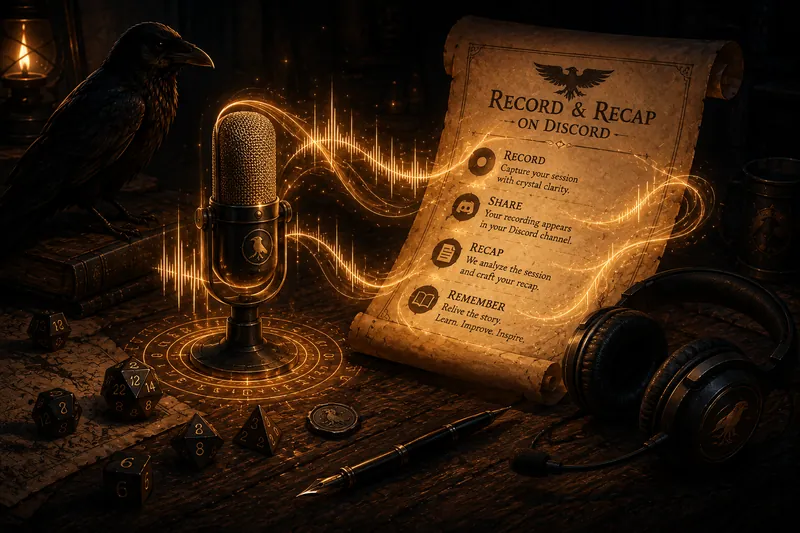
- Record and transcribe the whole session (this is what Recap Raven does): its Discord bot records the game and transcribes it, so nobody takes notes live and you still get a full, searchable record plus a written recap. It is the most complete option and the most hands-off during play.
Prefer the hands-free version? Recap Raven Free Tier gives you 5 Standard sessions in your first 30 days, then 1 every 30 days: a title, short summary, scenes and an MVP Standout Moment. Start with a Premium + Memory session and unlock a Premium + Memory bonus, with no card required.
Invite the Discord botWhat to actually capture
You do not need a transcript of every joke. You need the load-bearing facts that future sessions will lean on. Keep it short enough that you will write it and complete enough that it is useful.
- Decisions made: the choices that changed the situation or closed off options.
- NPCs met and what they wanted: names, a one-line description, and their motive or ask.
- Open threads and quests: anything unresolved that the party might chase.
- Loot and rewards: items, money, favours, and titles gained.
- Unanswered questions: mysteries the players raised or noticed.
- Where you stopped: the exact scene and situation, so you can pick up cleanly next time.
SESSION ___  ·  DATE ___

WHERE WE STOPPED:

DECISIONS MADE:
-

NPCS MET (name / one line / what they want):
-

OPEN THREADS AND QUESTS:
-

LOOT AND REWARDS:
-

UNANSWERED QUESTIONS:
-

NEXT SESSION (what the party plans to do):
The hands-free option
If your table already plays on Discord, you can skip live note-taking entirely. Recap Raven records through its Discord bot, transcribes per speaker and produces a written recap on every plan. Every plan also accepts a Craig multitrack link; Memory adds a searchable campaign memory you can ask questions of later. It can map Discord voices to player characters so it knows who said what.
It keeps the player recap separate from GM-only review notes and keeps GM-only fields outside the player recap generator. The recap posts automatically to your table’s Discord when ready; if anything needs correcting, the GM can update the share page afterward in the web portal. When a question comes up weeks later, answers are quoted from the real transcript with citations, so treat it as a cited assistant that is usually right rather than a perfect oracle. It is one option among the manual methods above, useful mainly when nobody wants the scribe job.
Frequently asked questions
How do I take session notes without slowing down the game?
The surest way is to not take them live at all: record the session and let Recap Raven write the recap and a searchable record for you, so you stay in the game. If you are noting by hand, use a one-page template with fixed headings and jot fragments during natural pauses, or hand the live log to a player scribe. Capture a few load-bearing facts, not every line.
What should I write down during a D&D session?
Capture decisions made, NPCs met and what they wanted, open threads and quests, loot and rewards, unanswered questions, and where you stopped. Those six categories cover almost everything a future session needs. Recap Raven pulls these out of a recorded session for you, so if you record you can skip the live note-taking and just review what it captured.
Is it better to record the session or write notes by hand?
Recording captures everything and frees you to run or play, but raw audio still needs turning into something usable. That is the gap Recap Raven fills: it records, transcribes, and writes the recap, so you get the completeness of a recording without the after-game work. Handwritten notes are instant and need no tools, so many tables record as the backstop and keep a light template for highlights.
How do I remember what happened across a long campaign?
Keep one consistent place for notes and write a short recap after each session. Better, record your sessions and let Recap Raven build a searchable memory you can ask, so months later you get a cited answer from the transcript instead of scrolling. A maintained doc works too; the point is one source of truth you can actually search.
If your table plays on Discord and nobody wants the scribe job, Recap Raven is one way to record the session and get a written recap plus searchable memory without anyone taking notes live.
Free Tier includes 5 Standard sessions in your first 30 days, then 1 every 30 days, each up to 3 hours long, with best-effort multilingual support. A title, short summary and scenes, with basic AI models and standard transcription quality. Premium adds richer recaps, PDF exports and GM insights; Memory plans add campaign Ask.