Tools
Best D&D and TTRPG Discord bots (2026)
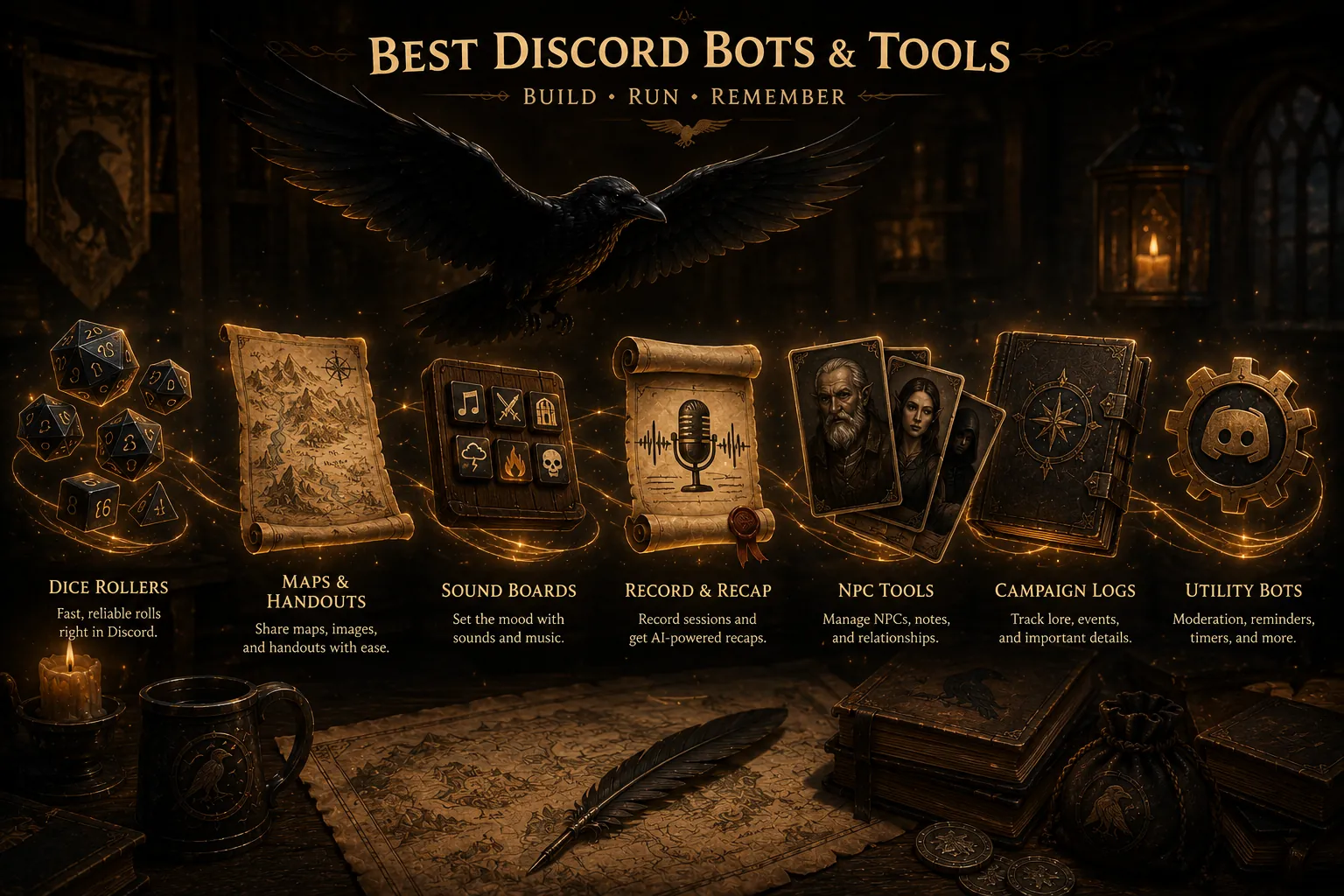
A good D&D Discord bot takes a specific job off your table's hands. Avrae handles dice, character sheets and combat in chat. Craig records separate speaker tracks. Recap Raven turns the conversation into recaps and campaign memory. Kenku FM brings your music into the voice channel.
Start with the job you need done, then check what your existing tools already cover. Keep the tools that make game night easier and leave out the ones that repeat a job you already have covered.
Craig and Recap Raven for recording and recaps
If your group wants a record of the conversation, start with a voice recorder. A recording helps you revisit a disputed detail; a written recap helps an absent player catch up before the next game.
Craig records each speaker on a separate track and gives you downloadable files. Choose it when you want to keep or edit the original audio.
A recording only gets you so far, though. The player who missed last week is not going to sit through four hours of audio or read a 25,000-word transcript, and neither are you. Someone still has to turn it into something short and readable, which is the recap.
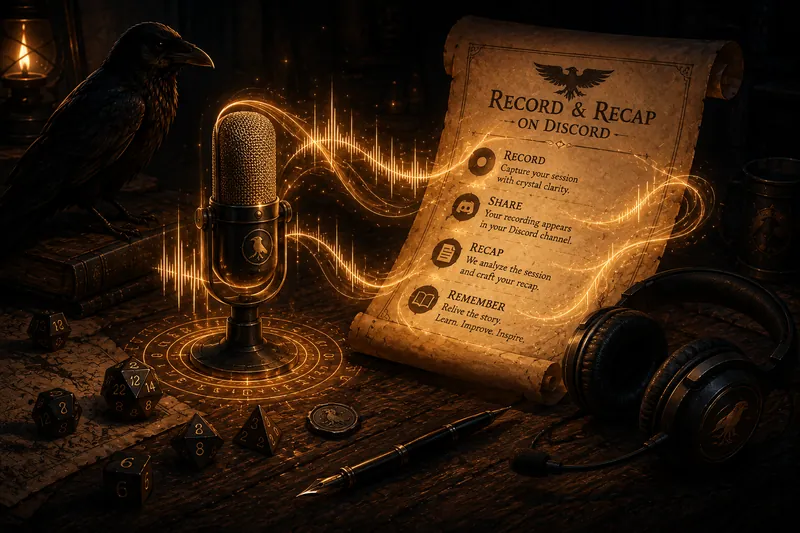
Recap Raven covers the whole job end to end. Its own Discord bot records the session (every plan also accepts a Craig link) and produces a player-safe recap shared in Discord after the game. Free Tier includes 5 Standard sessions in your first 30 days, then 1 every 30 days: a title, short summary, scenes and an MVP Standout Moment, using basic AI and standard transcription quality. Every plan includes manual recap editing, transcript access and words by speaker. Premium adds PDF exports and GM-only insights. Memory plans also build searchable campaign memory you ask with /ask and /askprivate, with cited answers from the transcript, open hooks and prep. Current plan details are listed on the pricing page.
- Craig: standalone multitrack recorder that hands you the audio files.
- Recap Raven: records end to end, then writes the player-safe recap and the searchable memory.
- Either way, get everyone’s consent and say you are recording at the start of the session.
Avrae for dice and character sheets in Discord
Avrae is a useful starting point when your group wants to roll and use character sheets inside Discord. It supports advantage, disadvantage and custom dice expressions, and imports sheets from D&D Beyond, Dicecloud and supported Google Sheets.
That suits theatre-of-mind games and play-by-post groups where chat is the shared table. If everyone already rolls from a sheet in Roll20 or Foundry, keeping rolls there may be easier. Choose the place your players will actually use.
- On Roll20 or Foundry: roll there and skip the dice bot.
- In Discord: Avrae brings sheet-based checks, saves and attacks into chat.
- For play-by-post or theatre-of-mind games: keep rolls alongside the conversation.
Avrae or your VTT for initiative and combat
Avrae also tracks initiative, hit points, armour class and conditions in a Discord text channel. Its character-sheet integration keeps combat actions close to the rolls. It is worth trying when you run combat without a shared battle map.
For a group that uses maps and tokens, the initiative tracker in Roll20 or Foundry keeps combat beside the board. Agree on one tracker so players are not checking two different turn orders.
Music and ambience: Kenku FM
Kenku FM is a desktop audio tool that sends music and sound effects into Discord through your own bot. It suits a GM who wants to run playlists and a soundboard from their computer.
Setup takes more work than inviting a hosted music bot. Check its official setup guide and use audio you have permission to play. Keep ambience low enough that it does not bury voices, especially if you are recording.
Recording with music? Recap Raven skips audio from accounts it identifies as Discord bots, including music bots such as Kenku. Music picked up by a player’s microphone can still enter the recording, so headphones help keep the voices clear.
Scheduling: Discord Events or your VTT
You probably do not need a scheduling bot. Discord has built-in scheduled Events that post a time, send reminders, and let people mark whether they are coming, which covers most tables. Roll20 also has a calendar if your group lives there.
Reach for a dedicated scheduling bot only if you juggle several groups across time zones and want availability polls in one place. For a single weekly game, native Discord Events is the simpler answer.
Putting it together
For a game played mainly in Discord, Avrae can handle rolls and combat while Craig or Recap Raven keeps the session record. Add Kenku FM if you want music. Groups using a VTT may already have their rolls and combat covered.
So if you add one bot, make it the one that saves the most time after the game. Give each bot only the permissions it needs, name your channels for their purpose, and compare D&D session tools by the job you need before stacking a second tool that repeats what your VTT already does.
- Voice recording: Craig for raw multitrack audio you keep yourself, or Recap Raven if you want the recap written too.
- Recaps and campaign memory: Recap Raven, with other note takers covered in the alternatives guide.
- Dice and character sheets in Discord: Avrae; otherwise keep using your VTT.
- Initiative: Avrae for chat-based combat, or your VTT beside the battle map.
- Music and ambience: Kenku FM, self-hosted.
- Scheduling: native Discord Events; a dedicated bot only if you juggle several groups.
Product information checked
Prices and published features change. These pages were checked on 5 September 2026.
Frequently asked questions
Do I even need Discord bots if I use Roll20 or Foundry?
Keep the VTT features your group already uses. Avrae is useful if you also play in Discord chat; a recording or recap bot is useful if you want a record of the voice session. Add each tool for a specific job.
What is the minimum useful setup?
For theatre-of-mind or play-by-post games, start with Discord and Avrae for rolls and combat. For games with maps, keep your VTT. Add a recorder, recap bot or music tool only when your group needs it.
Do I need Craig if I use a recap bot?
Not necessarily. Craig is a solid standalone recorder, but Recap Raven records on its own bot; every plan also supports Craig imports. Use Craig if you want to keep the raw audio yourself, or let the recap bot handle recording end to end.
Can I play music in Discord with Kenku FM?
Yes. Kenku FM runs on your computer and sends audio through your own Discord bot. Follow its setup guide, use audio you have permission to play, and check that the volume leaves room for conversation.
What is the best DnD bot for session notes?
For an online D&D game, choose a Discord bot that can identify speakers and produce the kind of notes you will use. Recap Raven suits tables that want a player-safe recap, separate GM notes, spotlight analytics and cited campaign answers. The alternatives guide covers other recording and note-taking choices.
If keeping the session record is the job you want handled, try Recap Raven for a player-safe recap, private GM notes and cited campaign memory.
Free Tier includes 5 Standard sessions in your first 30 days, then 1 every 30 days, each up to 3 hours long, with best-effort multilingual support. A title, short summary and scenes, with basic AI models and standard transcription quality. Premium adds richer recaps, PDF exports and GM insights; Memory plans add campaign Ask.